Five boards in production, from a 200 G single-ASIC miner on USB-C to 1.5 T. Firmware, manuals and the browser flasher all live here — every release indexed with its file size and SHA256.
Five boards in production. Find the name on your device or its box, then open that model.
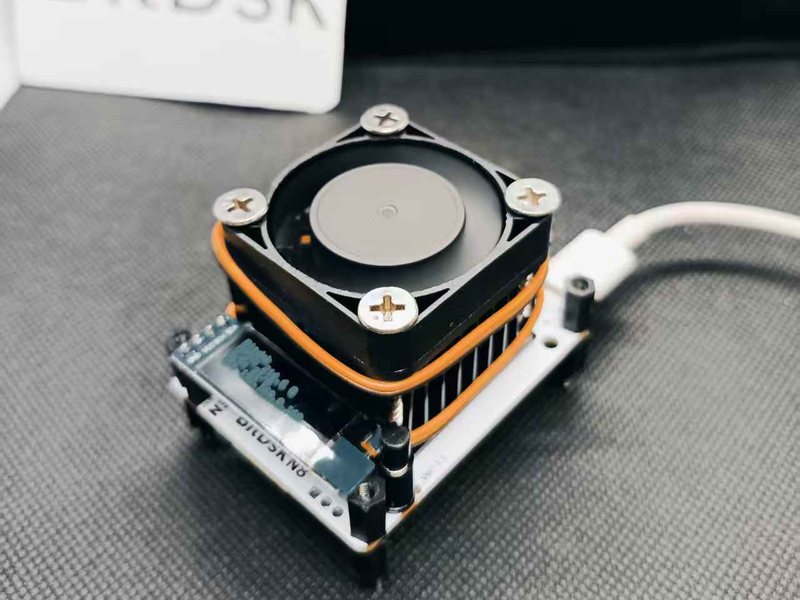
Compact single-ASIC miner. 200G at roughly 8.9 W, powered over USB-C — the smallest of the ASIC line.
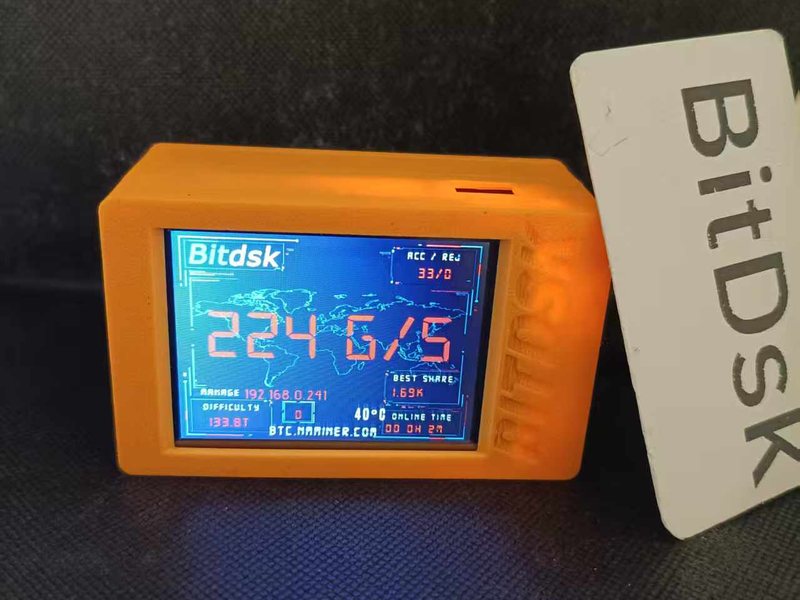
Entry ASIC model with a full touchscreen. 200G at about 10 W — quiet enough to sit on a desk and cheap to run around the clock.
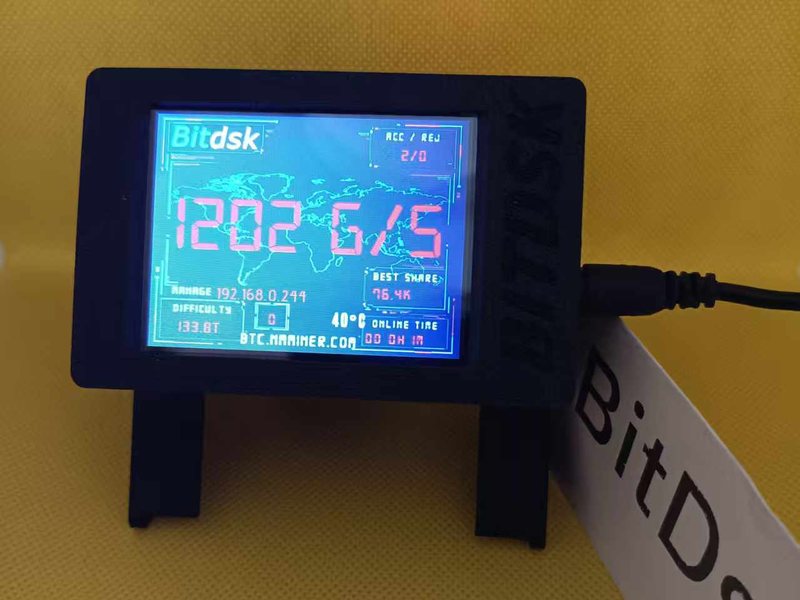
The high-hashrate model — 5–7× the output of U1 at 22–27 W. Better hashes per watt, at the cost of heat and noise.
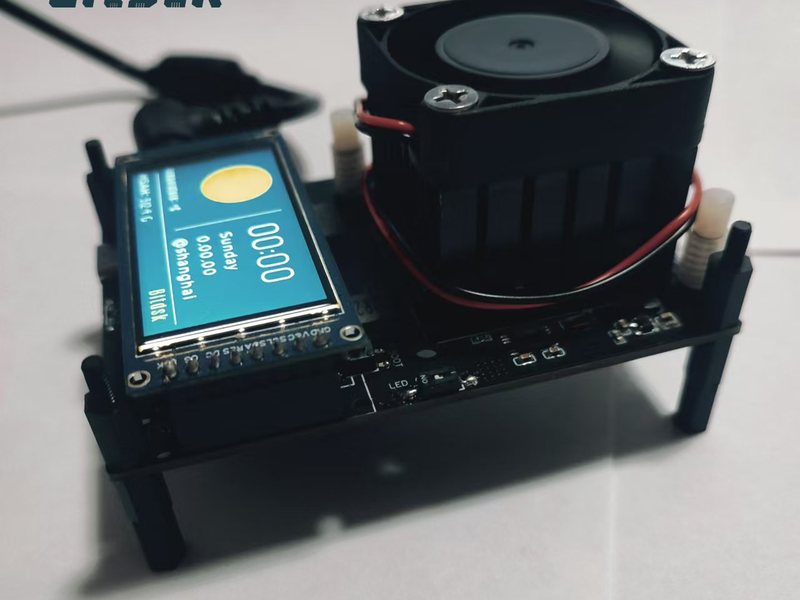
Mid-size single-ASIC miner with a colour screen. 200G at about 8.9 W on a 12 V DC supply.
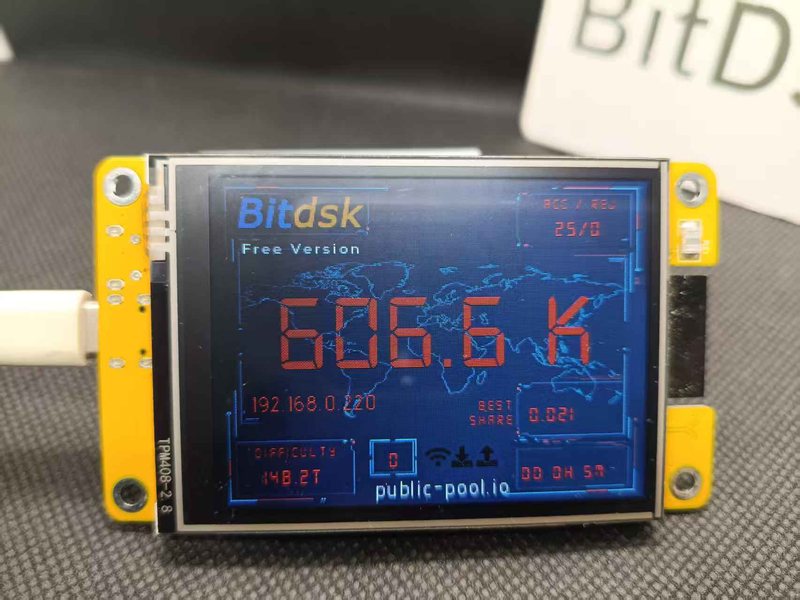
Runs on the off-the-shelf CYD board. The ESP32 hashes by itself, so it is a desk display and learning board — and the firmware is fully open source.
Also in the archive: N5.Rex · N5.Rexi-T · legacy boards · PC management tools
Which one you need depends on what state the device is in.
Download the .zip for your model, open the miner's web UI, go to Settings → Firmware and upload it. Your settings are preserved. This is the right choice 95% of the time.
For a bricked board, a device that will not boot, or a U1/U2 whose CD KEY was wiped. Needs a USB cable and Chrome/Edge — the flasher runs entirely in the browser using the local image files.
Open flash tool →Only U1 and U2 carry a CD KEY (Settings → System). An OTA keeps it, a full erase wipes it, and a lost key cannot be recovered. N8-T, D12, N5 and S1 have no key — nothing to save.
Read the guides →Guides, API endpoints, hardware comparison and the PC batch manager.
Bilingual PDF manuals for the All / N / D series, plus tutorials and PCB files.
Open →Operating how-tos: antenna install, pool forwarding, frequency tuning, hotspot recovery.
Open →JSON endpoints for pool configuration, status polling and remote control.
Open →Side-by-side hardware specs: screen, hashrate, power and supply per model.
Open →Windows batch manager for monitoring and upgrading several miners at once.
Open →